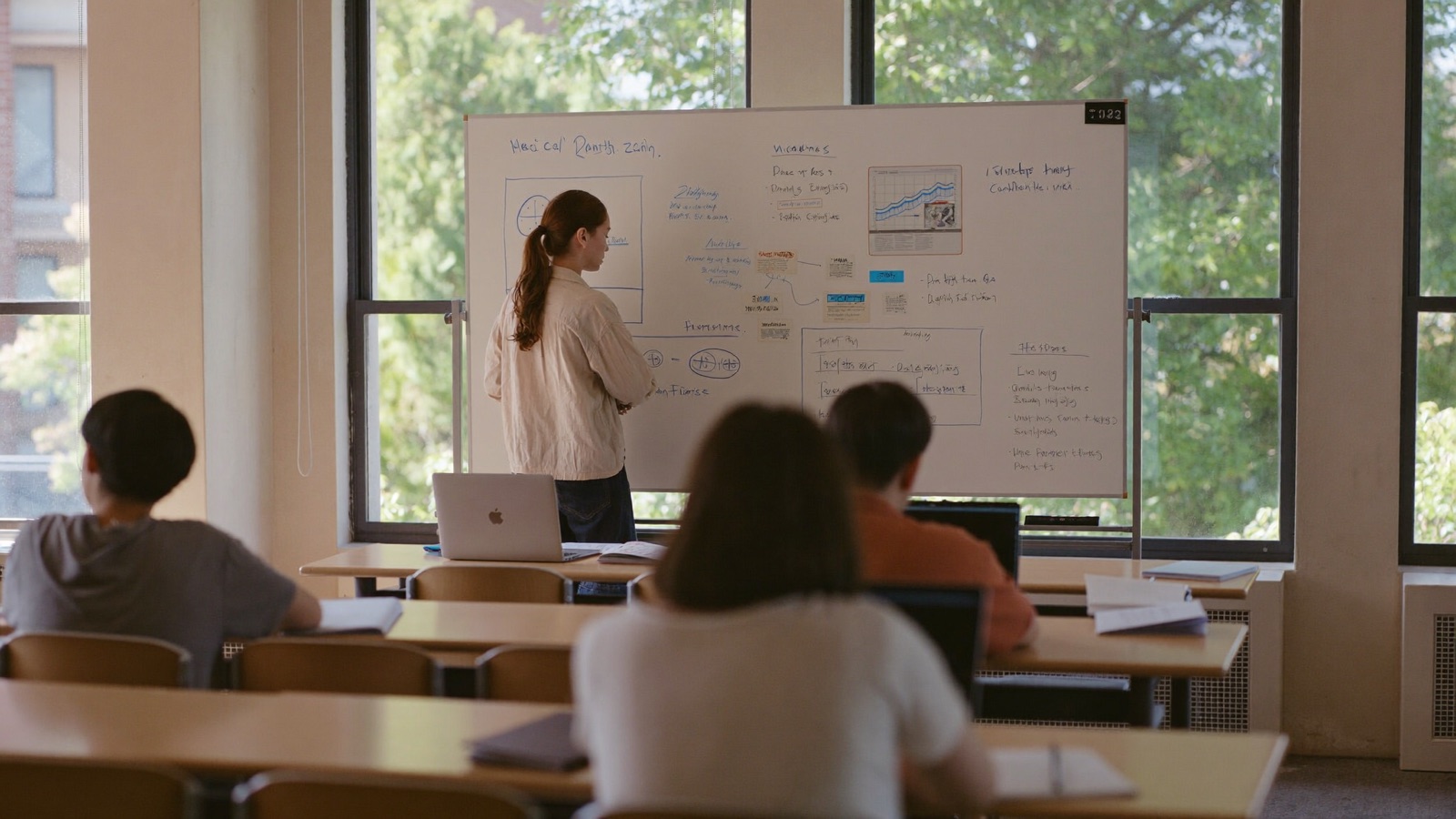
Cohorts, office hours, and the room that stays open
A playbook for running a course, a study group or a training programme in a space that is still there on Wednesday.
The product was called Campus before it was called Huddles, and the shape still fits. If you run a cohort — a bootcamp, a course, a study group, a workshop series, an internal training programme — this is how to set it up so the room does the work.
The one decision that matters
Run the whole cohort in one space. Not a space per session, not a space per module. One.
The reason is that everything worth having accumulates in the room. Your own whiteboards persist between sessions. The documents keep their notes. The people are the same people, so nobody re-introduces themselves. And the events calendar lives on the space, so the next session is visible to everyone from the moment you schedule it, without a single email.
A new space per session is a new Zoom link per session with extra steps. Resist it.
Setting up
Make the space. You are its administrator, which means you decide who gets in. For a paid cohort, keep the join code on the link — a slug is guessable and the code is what makes the link a credential. For an open study group, drop the code and let the link be the door.
Invite people by email from the space card, or paste the link and code into wherever your cohort already talks. Both work; both admit the same kind of member.
Then schedule the first session. An event has a title, a time, a description and — optionally — a picture, and it appears in the space's calendar the moment you save it. Anybody who says they are coming gets a reminder five minutes before it starts: in the corner if they are in the space, by email if they are not. That reminder is the whole reason people show up to a Tuesday session, and you never have to send it.
Running a session
At the time, start the event. Starting an event is starting a broadcast: you are live, the calendar entry turns red, and the link to listen is the event's link. Everyone who is a member drags in, or is already there. Anyone who is not a member — a guest speaker, a prospective student, somebody's colleague who was curious — follows the link and is in the audience with no account.
Open the whiteboard. It is logical coordinates, so the person on a phone sees what the person on a monitor sees. Draw. Drop in screenshots. Let people put stickies up — five colours, so "questions" and "ideas" can be different colours if you like. When somebody in the audience raises a hand, bring them up; they can talk; when they are done they step back down themselves.
Turn captions on if anyone needs them. The room captions from then on, and the person who needed them is never named. Somebody in the audience can turn them on for themselves too.
Share your screen for the demo. Paste a video link for the thing you all need to watch. It all lands in the same room, on the same clock.
Between sessions
This is where a room beats a meeting.
The space is still there on Wednesday. Your whiteboards from Tuesday are exactly as you left them. The document with the reading list is still open. Students drift in to work near each other — nobody talking, just present, which is more than most remote learners ever get. Somebody drags onto somebody else to ask about the assignment, and it is a forty-second conversation instead of a forum post.
Set office hours by naming a huddle. Sit in it. The name is visible from across the space, so anyone who wants you can see that you are there and available, and drag in. You will get more questions in an hour of visible office hours than in a week of "email me if you have questions", because the cost of asking has gone from composing a message to a drag.
The audience is your funnel
Every public session is a link you can post anywhere. Newsletters, a Discord, a course page, a social post. Whoever follows it listens, no account, and sees what the cohort is like from the inside. Some of them will want in. The door from the audience to membership is one step.
We say this plainly because it is the mechanism that grows a cohort: not a landing page describing the course, but the course itself, with the door open for an hour.
What to tell your cohort on day one
Three things, and then let the room teach the rest.
- You can see who is here. If somebody is not in a huddle, it is a good time to ask them something. Drag yourself onto them.
- Nothing here is recorded. A huddle is a conversation, not a lecture capture. Notes go in the document; drawings on the board; the rest is gone when it is over, like a classroom.
- Your own board is yours. It is there next week. The board inside a huddle belongs to the huddle and goes with it, and the room tells you that the whole time it is open — export it if you want to keep it.
The limits, honestly
A huddle seats eight. That is the size of a conversation, not a lecture, and it is deliberate; a cohort of forty is one room with several huddles in it and a broadcast when everyone needs to hear one person. The broadcast audience is larger but still bounded — this is a room, not a conference platform, and the five-hundred-seat all-hands is not the thing we are building.
There is no recording. If your programme requires lecture capture, you need a second tool for that part, and we would rather say so than pretend.
Why it works
A course is a group of people who need to be near each other for a few weeks while they learn something hard. Most tools give them a channel and a weekly call. A space gives them somewhere to be — with the board they drew on yesterday still on the wall, and the door open for whoever wants to listen in.