Ten ways people actually use Huddles
Not the demo. The Tuesday. Here is what people do with a room that is always open, once they stop treating it like a meeting.
Every new tool arrives with a demo, and the demo is never how anybody uses it. So instead of the demo, here is the Tuesday: ten things people do in Huddles once they have stopped thinking of it as a place you go for a meeting, and started thinking of it as the room they are in.
1. The forty-second question
The one everything else is built around. You need something small from somebody. You see them on the field, not in a huddle, so it is a good time. You drag onto them. "Quick one — is the export supposed to include archived items?" "No." "Thanks." You leave. Total elapsed time: under a minute. Total artefacts created: zero.
Teams that were previously doing this in chat report the strangest side effect: their chat gets quieter, and what is left in it is worth reading.
2. Pairing without the ceremony
Pair programming and pair design die at a distance because the setup costs more than the pairing. Screen share in Huddles is one button, the voice is already on, and the whiteboard is there for the moment when somebody says "hang on, let me draw it." Nothing to schedule. When the pairing is done, the huddle ends and the whiteboard goes with it — which sounds like a loss until you realise it is the same thing as wiping the actual whiteboard, and you never mourned that either.
3. The standing room
Some teams keep one huddle open all day and name it. "Backend", or "Ops", or just "the desk". People drift in when they want company and out when they want quiet. It is not a meeting — there is no agenda and nobody is obliged to be there. It is the office kitchen, the bit of the open-plan floor where the interesting conversations happened. Hackathon squads run the same pattern at a different tempo: one huddle named after the project, open from kick-off to demo, people dropping in between build sessions. If you have ever been the person who missed those conversations because you were somewhere else, this is the thing you missed.
4. Office hours, with the door open
Somebody senior sets a time, names a huddle "office hours", and sits in it. Anyone can drag in. The trick that makes this work in Huddles and not in a calendar is that everyone else can see it is happening: the huddle is right there on the field with a name on it. You do not have to know office hours exist to find them. You just see a conversation with "office hours" written on it and drift over.
The pattern is older than offices, whatever the name says. A pastor holding a huddle open after the Wednesday service, for whoever needs a word, is running office hours. So is the maintainer of an open-source project on a Saturday morning, and the teaching assistant the night before the exam. A named, visible, open door — that is the whole trick.
5. The design crit
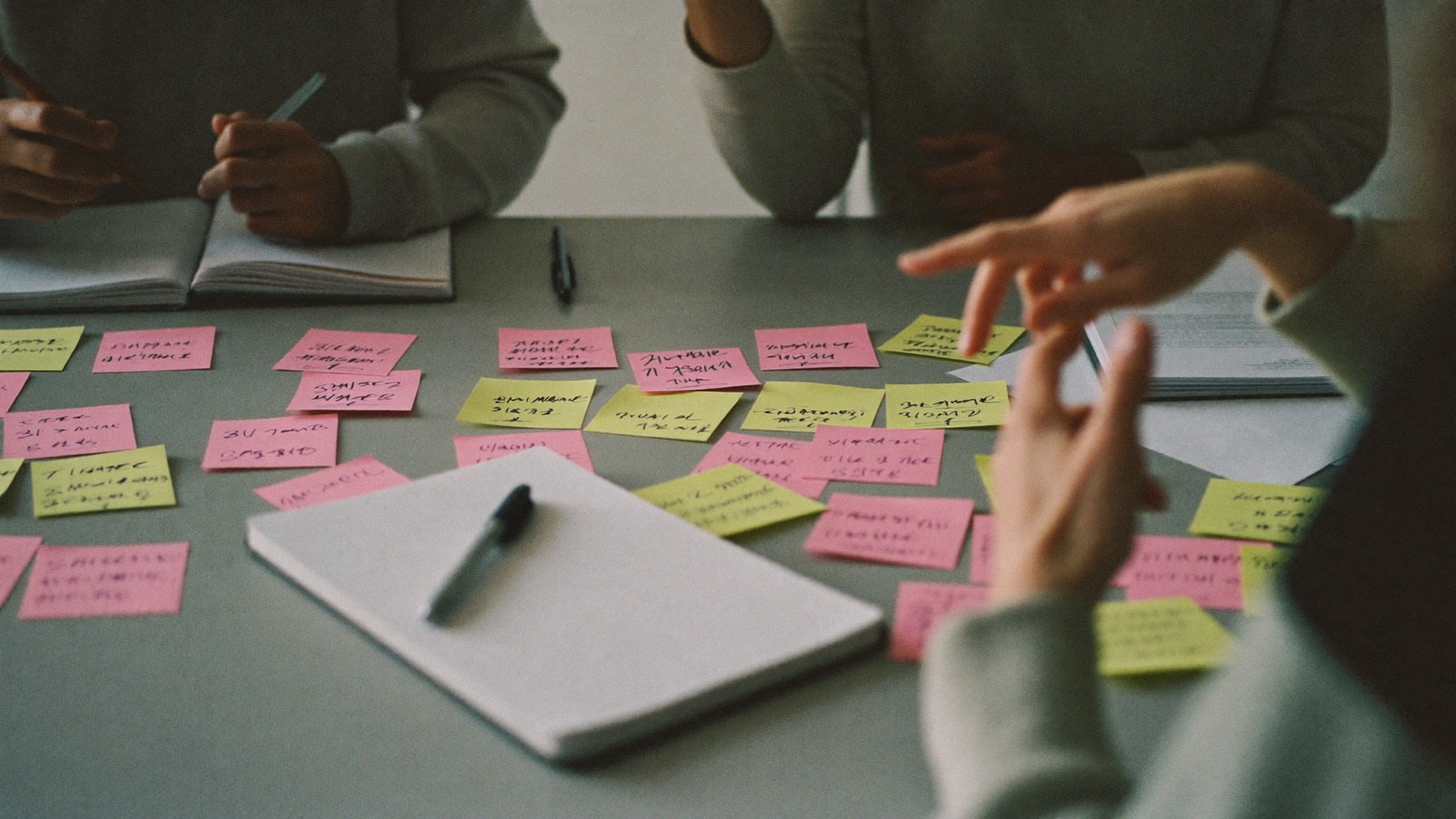
Open a whiteboard, drop the screenshots in, and let everybody scribble on them at once. Stickies for the things people notice, colour-coded because somebody will insist. The board is logical coordinates, so it looks the same on a laptop and a phone, and the person who joins late from the train sees exactly what everybody else does. Export it as a picture if you want to keep it; most of the time you do not.
6. The watch party that is actually a review
Somebody pastes a YouTube link into the huddle and everybody watches it at the same moment, on the same clock. It sounds like a toy until the video is the competitor's launch, or the customer's screen recording, or the conference talk you all said you would watch and nobody did. Watching it together with voice on is how you actually discuss it, instead of everybody watching alone and then trying to remember what they thought.
7. The cohort session
Courses, bootcamps and study groups use the same room every week, and that is the point. The whiteboard from last week is where you left it (your own board persists; a huddle's does not). The document has the notes. The room has the same people, so nobody is re-introducing themselves. And when the session is public — a guest lecture, a demo day — one link puts anyone in the audience, with no account, to listen and raise a hand.
8. The broadcast
This is the one that makes people sit up. Any huddle can go live: one button, one link. Anyone who follows the link is in the audience — no account, no install — hearing the conversation, seeing the board and the document, watching the screen share, reacting, asking to speak. If they are brought up on stage they can talk. The seat count is small on purpose; this is a room, not a stadium. But for an all-hands, a town hall, a show-and-tell, it is the difference between "join the call" and "here, listen."
9. The onboarding buddy
New starters do not know what they do not know, and they especially do not know who to ask. In a space where they can see their team, and see who is free, the barrier to asking collapses. Several teams pair a new person with somebody for the first week and tell them: "just drag onto them whenever." The new person asks the questions. The buddy answers between other things. Nobody scheduled anything, and by Friday the questions have stopped because they were answered.
10. Being there
The last one is the one nobody puts in a feature list. A lot of people work alone now, and some of them are fine with it, and some of them are not. A space with your team drifting around in it — even if nobody is talking, even if you never merge with anybody all afternoon — is a different feeling from a list of green dots. It is the difference between working from home and working near people. That feeling is not a feature. It is the reason the other nine work.
What they have in common
Every one of these starts with seeing that somebody is there, and none of them starts with a calendar. That is not a coincidence; it is the whole design. The room is always open. What you do in it is up to you.