Voice first, camera when you want it
Why the default is audio, why that is not a compromise, and what changed when we added a camera to a product built to not need one.
Huddles ran for months without a camera, and it was not because we had not got round to it. It was a position. Now there is a camera, and the position has not changed. Here is the thinking.
Voice is the channel
Turn your chair around in an office and what you use is your voice. You do not check your hair first. You do not think about your background. The whole reason the forty-second question is cheap is that it costs nothing to be ready for it.
Video is the opposite. Video requires you to be presentable, which is a real cost, and one that lands unevenly — on people whose homes are their workplaces, on people who are tired, on people who for a hundred reasons do not want their face on a screen at 4pm. Camera-on culture is a tax, and the people who pay it most are the people who can least afford to look like they are not paying it.
So the default in Huddles is voice. When you drag onto somebody, you are talking. Your microphone starts muted — every time, always, because a room is listening — and you unmute when you are ready. Nobody's camera is on. Nobody is expected to be seen.
What voice-first buys you
It buys the third space. A tool that requires video is a tool you have to prepare for, and a tool you have to prepare for is a meeting. A tool you can join with a drag, mid-thought, still chewing, is a room. You cannot have the room and the camera requirement at the same time; every product that has tried has ended up with the meeting.
It also buys presence a way to work. Faces on the field are avatars — a gradient, a character, a photo you chose — and they are stable. You recognise people by their face the way you recognise them by their handwriting, because it is the same face every day, in every room, in both themes. A live camera thumbnail is a worse identity than a good avatar: it changes with the light, the angle, and whether the person is looking at the screen.
And it buys the speaking indicator. Because voice is the channel, who is talking is the most important thing to show, and Huddles shows it everywhere the person appears: the little equaliser bars on their avatar, the ring on their face in a huddle, the red on the huddle from across the field. In a grid of nine video tiles, finding the speaker is a search. In a room of avatars where one is lit, it is a glance.
So why add a camera
Because sometimes you want to be seen, and a product that forbids it is being ideological rather than useful.
A design crit is better with faces. A one-to-one where somebody is upset is better with faces. A cohort's first session, when nobody knows anybody, is better with faces. There are real moments where the extra channel is worth the cost, and the person in the moment is the right one to decide.
The rule we landed on: the camera is a thing you turn on, never a thing that is on. It is one button in the huddle card. Press it and your face appears — in a tile, rounded, full bleed, mirrored so it looks the way you know it — for everyone in the huddle and for anyone in the audience if the huddle is live. Press it again and the tile is gone. Not black; gone. When two people have cameras on the tiles make a grid; when nine do, a bigger grid. You can drag the corner to make it whatever size the conversation needs.
What did not change
The camera does not change who you are on the field. Your avatar is still your avatar; the tile is a window that opens when you choose and closes when you choose. Nobody can turn your camera on for you, and there is no setting that makes it default on. If you never press the button, Huddles is exactly the product it was before the button existed.
The camera also does not change who may be seen by whom. The stage decides. In a live huddle, somebody seated in the audience cannot publish a camera any more than they can publish a microphone — the permission comes from the media server, not from the interface, so it is not something a determined client can route around.
And the camera does not change the phone. On a phone, switching to another app pauses the camera — the operating system insists — and when you come back it resumes, with a Camera paused notice over your own tile in between so you know it is a pause and not a close.
The phone, and the walk
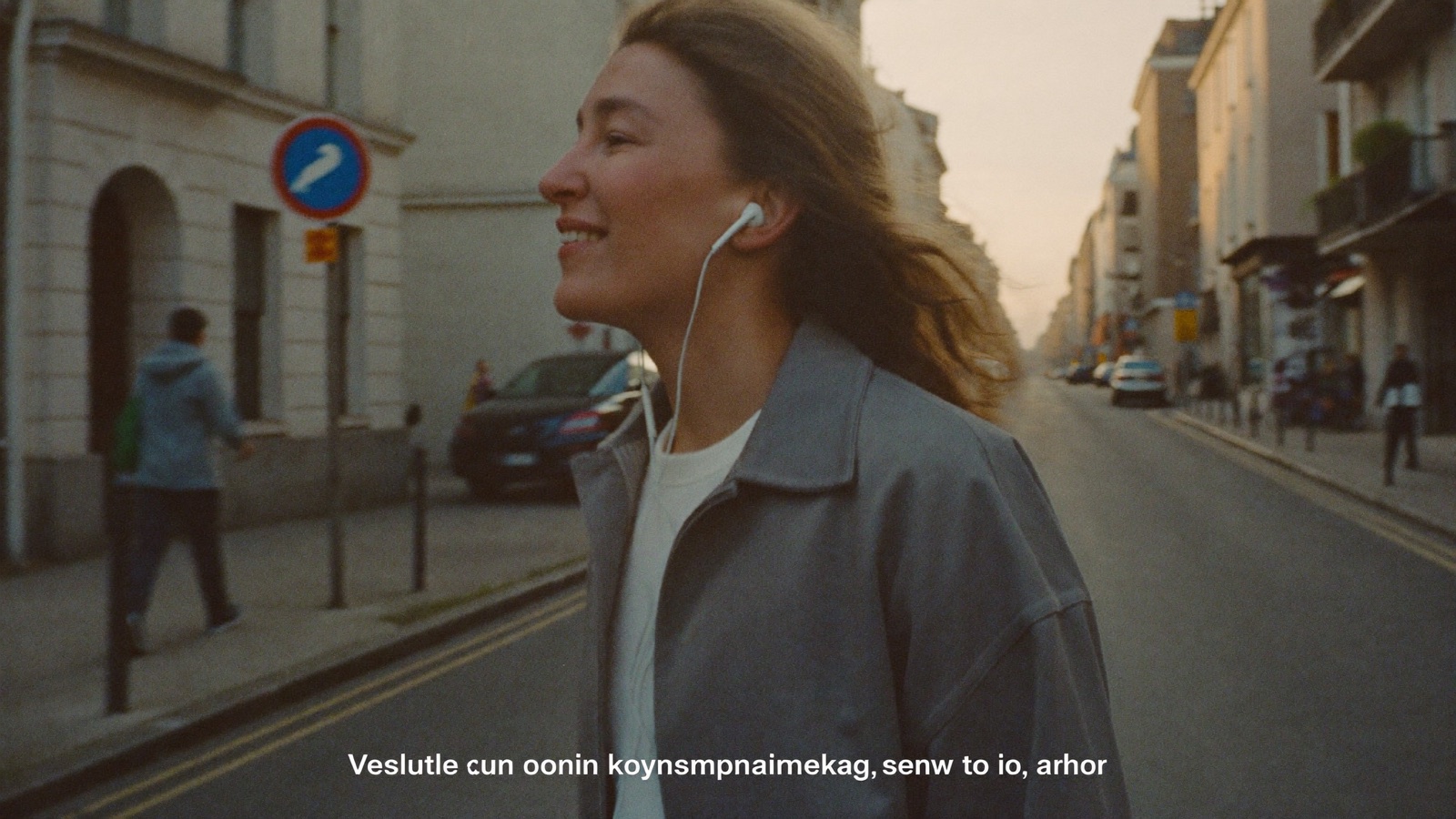
There is one more argument for voice that only shows up once you use a room from a phone. A voice-first room is a room you can be in while walking — or cooking, or sitting on a train with the phone in your pocket. Huddles on a phone puts the huddle on the lock screen, with the title and play-pause mapped to unmute and mute, so a conversation can carry on while the screen is off. You cannot do that with a video call, because a video call assumes you are looking at it.
That is not a small thing. A lot of the best conversations happen while doing something else, and a tool that requires your eyes the whole time cannot have them.
The stance, in one line
Voice is how the room works. Video is something you bring to it.
We think most tools have that backwards, and we think the tell is how their users feel at 3:59 before a 4 o'clock call.