Quickstart
From nothing to a bar on your page with people in it. Ten minutes if you already have a server; two if you start with walk-ins.
- Get an app id and a secret
Apps live in the developer hub, which opens by request. An app is a public
idthat rides the iframe URL, asecretshown exactly once, the origins allowed to frame it, and the space it opens into. - Mint a token on your server
Your user already logged in — to you. Sign a short token saying so; we never see your user database.
import { SignJWT } from 'jose'; const token = await new SignJWT({ name: user.displayName }) .setProtectedHeader({ alg: 'HS256' }) .setSubject(user.id) // your id for them — any stable string .setIssuedAt() .setExpirationTime('5m') // tokens are per page load, not per person .sign(new TextEncoder().encode(process.env.HUDDLES_APP_SECRET)); - Put two lines on your page
<script src="https://huddles.space/embed.js"></script>
<script>
  Huddles.init({
    embedder: 'your-app-id',
    // Minted by YOUR server — see Authentication. Omit it for walk-ins.
    getToken: () => fetch('/api/huddles-token').then(r => r.text()),
  });
</script>
That is the install. The bar appears on the top edge; people can drag it to any corner, and
positionstarts it somewhere else. - Watch it work
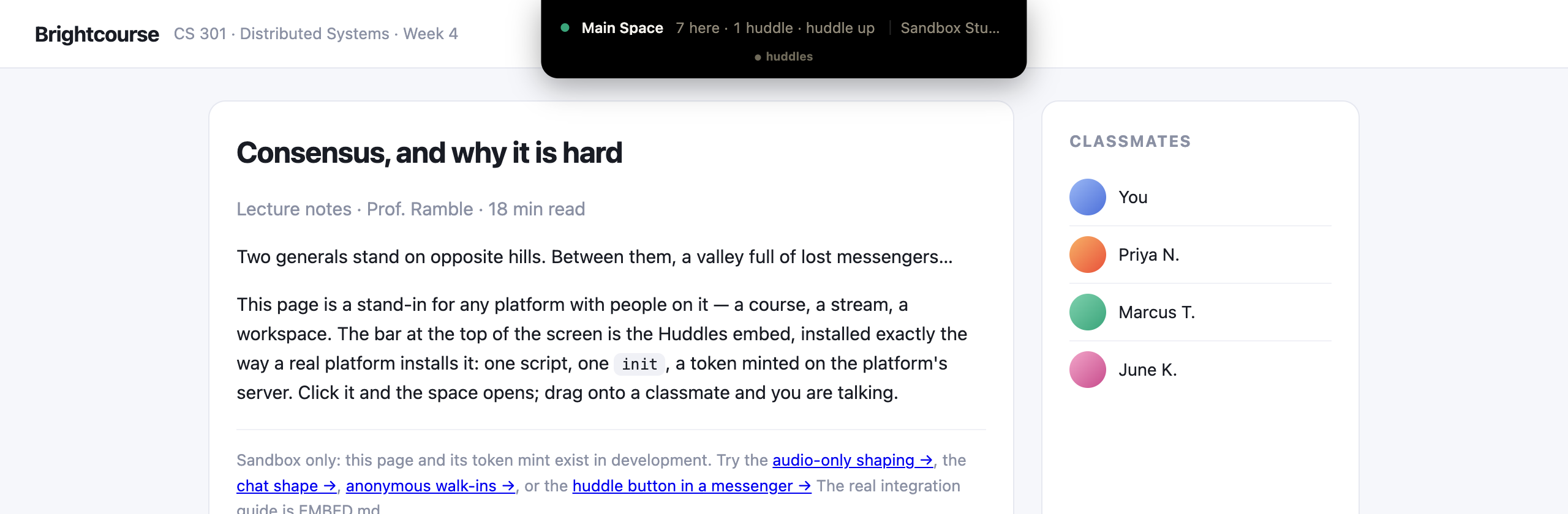
Open the page as two people. Tap a face in the island and you are talking. In development,
/embed-sandboxis this exact install on a pretend course page, with a token minted server-side the way yours will be.
No backend yet? Omit the token: Huddles.init({ embedder }) gives every visitor an identity on the fly once your app allows walk-ins. Start there and add the token when your login exists.
Then#
huddles.space · Blog · For Mac · Premium · Terms · Privacy · © 2026 Huddles.Space